 NotchPad
Built-in editing runs on your Mac
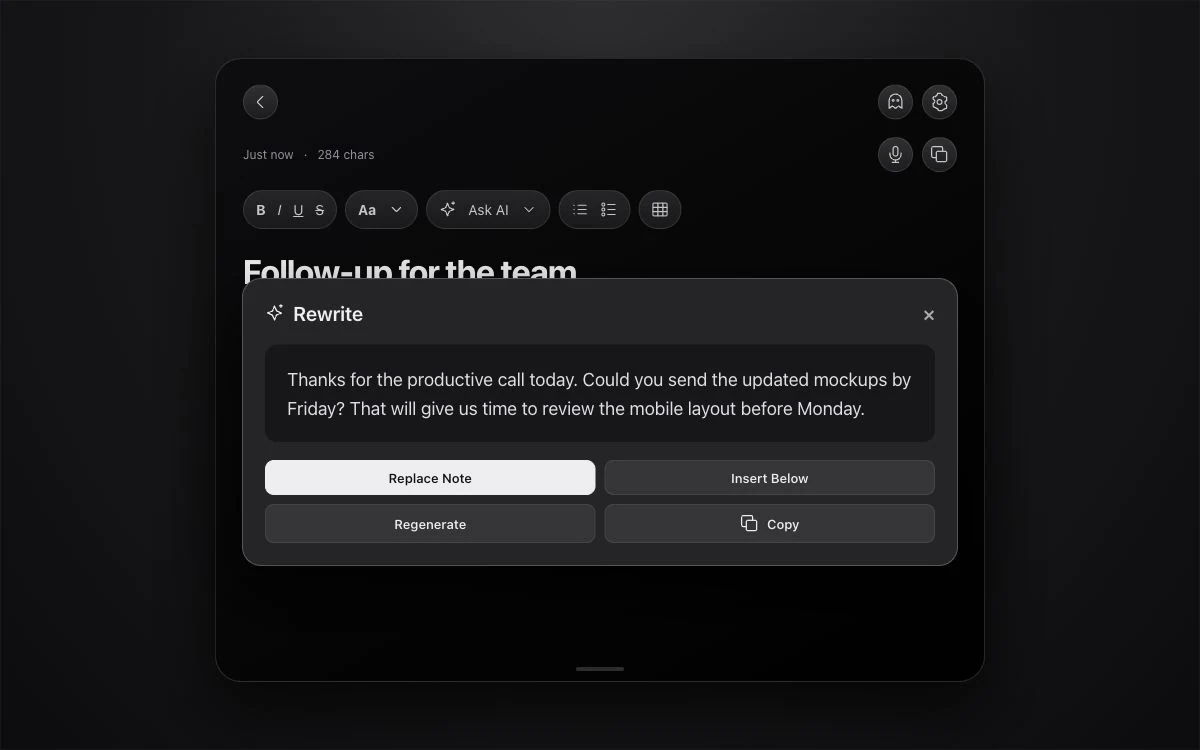
Open a note and choose Ask AI. Rewrite or proofread the text, summarize it, translate it, suggest a title, or turn information into a table. Read the result before using it, especially names, numbers, and commitments.
File loose notes after you review the plan
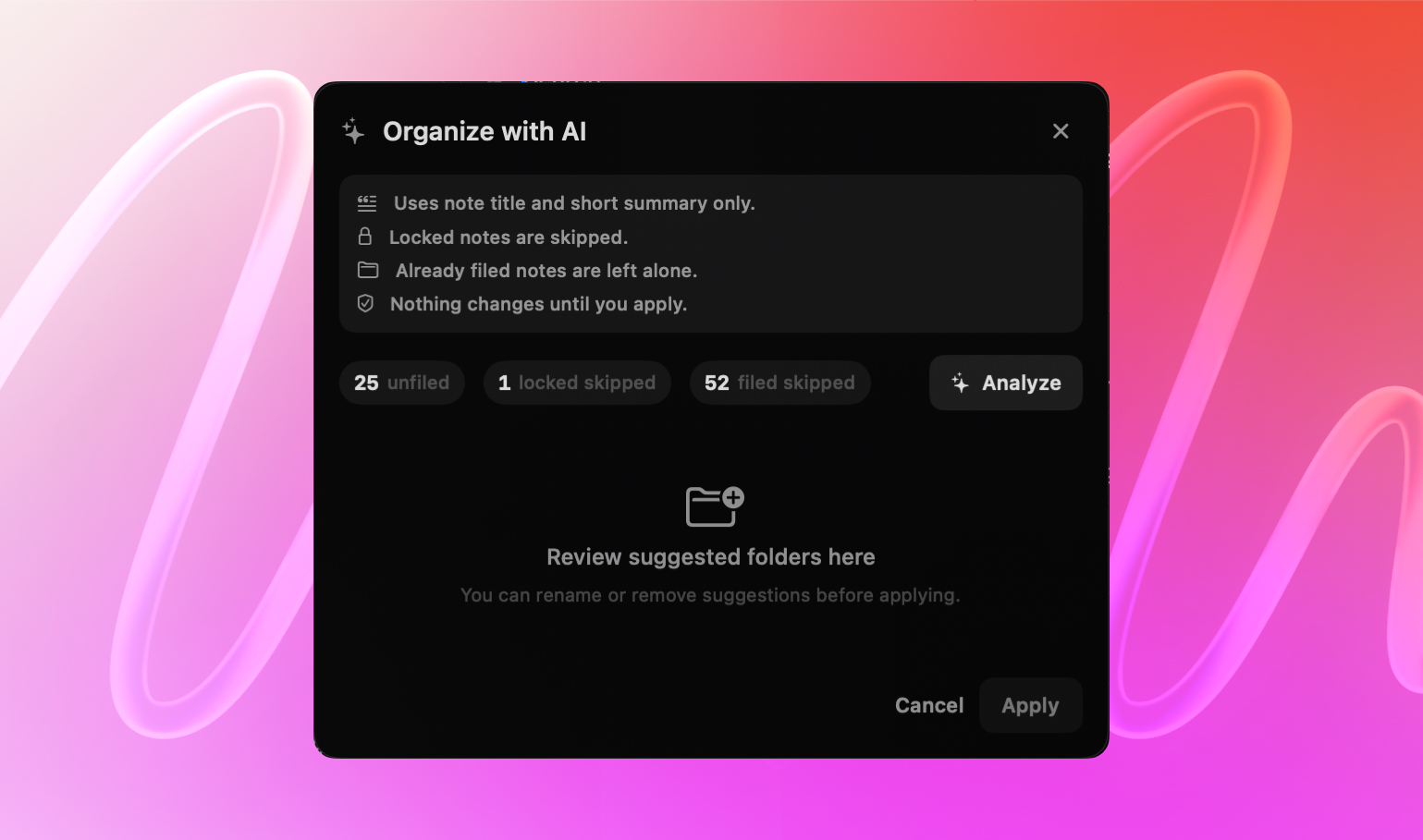
Choose Organize with AI from the folder picker. NotchPad uses note titles and short summaries to suggest folders for unfiled notes. Locked notes are skipped and already filed notes stay where they are. Review the proposed folders and assignments, then apply the ones you want.
Save work from Claude, Codex, or Cursor
AI Connections is a separate option. Connect an MCP-compatible app inside NotchPad Settings and choose what it can read or write. Ask it to save a research summary, add a checklist, or append the next update to an existing note. These connections use that app’s models and privacy settings. See the setup guide.
Which setup do you need?
| Built-in AI | Connected AI app | |
|---|---|---|
| Where it runs | Apple’s on-device model on your Mac | The model and provider chosen in your AI app |
| Requirements | macOS 26+, Apple Intelligence enabled, supported language and model ready | NotchPad 1.8+, an MCP-compatible app, AI Connections enabled |
| What it does | Edit notes and suggest folders for review | Read shared notes; optionally create notes and append content |
| Folder organization | Optional reviewed suggestions | Cannot move, rename, or delete notes or folders |
Ordinary notes work without AI
Write, search, organize folders manually, use snippets, and attach sticky notes without enabling either AI option. Try every feature for 14 days. No card needed and no automatic charge. After the trial, your saved content remains readable, copyable and exportable; the Welcome Note stays editable. Pro is $9.99 once for up to 3 Macs. Keep creating and editing notes, capturing clipboard history, saving snippets and using every feature. No subscription.
Apple silicon Mac · macOS 15+ · No notch required. 14-day free trial. Pro is $9.99 once for up to 3 Macs.